After launching successfully on Android, iOS, and Windows, The Delta Team has released the official Deltaa Executor Mac version. Deltaa is now one of the first Roblox exploits you can install directly on macOS without any complicated workarounds.
This Mac release comes right after our popular Direct Install feature for iOS. With Direct Install, iPhone and iPad users can now install Deltaa with just one tap – no more downloading IPA files or using sideloading apps like Scarlet or ESign.
If you have a MacBook (Intel or Apple Silicon M1/M2/M3) and want to run scripts in your favorite Roblox games, you’re in the right place. We’ll help you get set up quickly and safely – just follow our simple guide below!
Deltaa Executor macOS Installation Guide
Installing Deltaa on your MacBook is super easy – just like our Direct Install for iOS. You only need to download the DMG file and follow a few quick steps. No complicated tools required!
If you’re new to this, don’t worry – here’s our clear, step-by-step guide to get you up and running safely.
Simple Installation Steps
- Go to our official site: (www.deltaa-executor.com)
- Click Mac in the top menu.
- Scroll down and tap the Install for macOS button.
- The deltaa.dmg file will start downloading automatically.
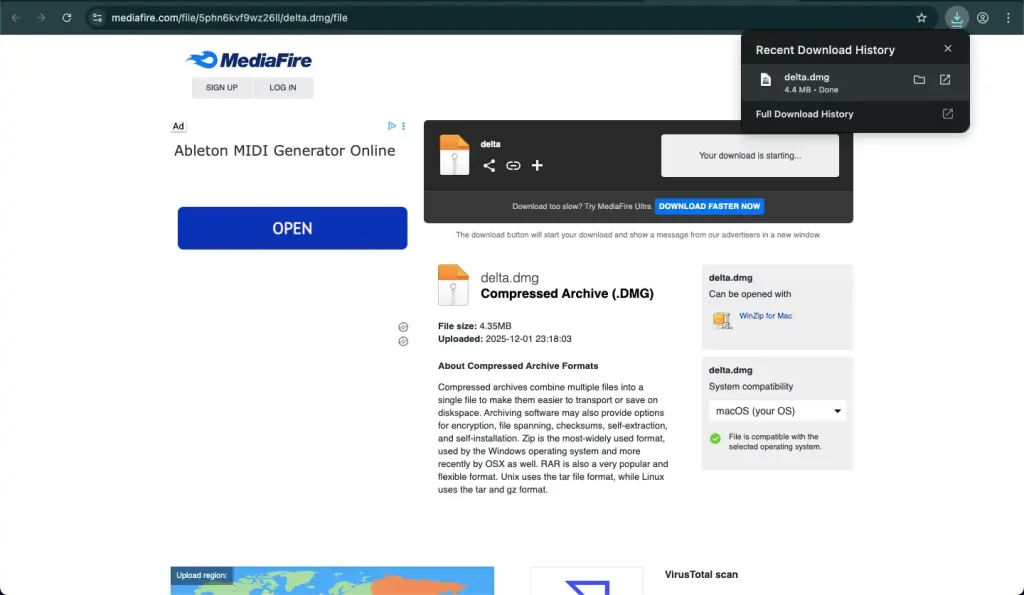
- Once downloaded, open the DMG file (find it in Downloads).
- Drag the Deltaa Installer icon into the Applications folder.
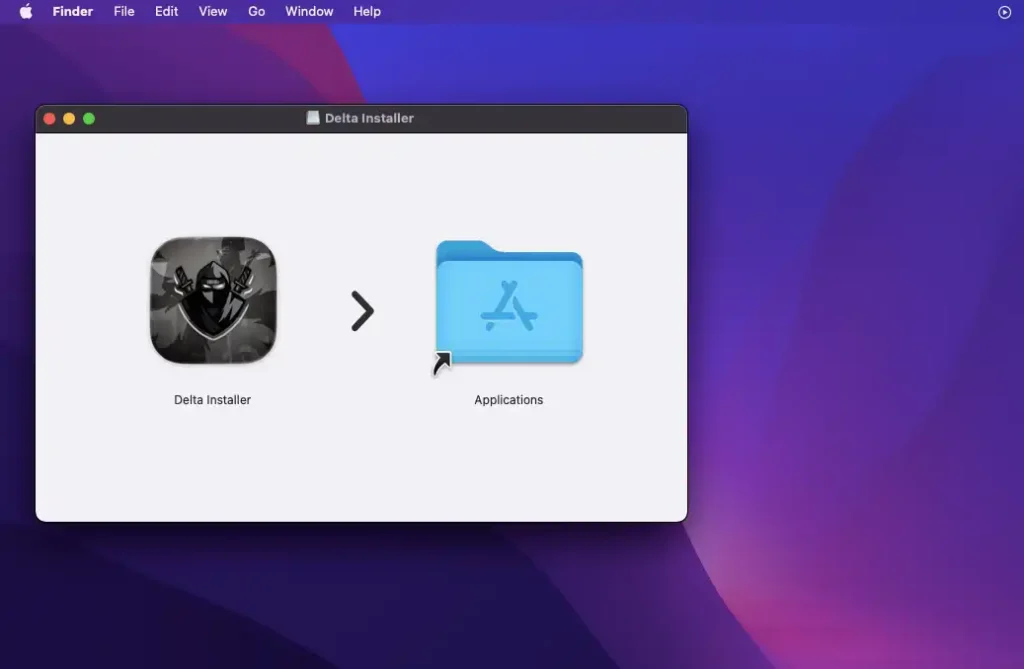
- Open your Applications folder.
- Double-click Deltaa Installer.
- A pop up will say, “App downloaded from the internet – open it?” Click Open”
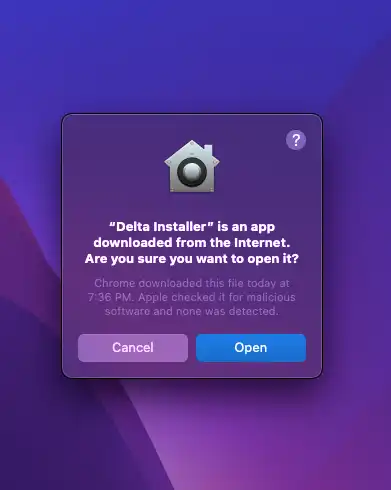
- In the installer window, click Install Deltaa.
- It will download the latest files and install automatically.
- When done, launch Deltaa from Applications.
- Get your free key (follow our key guide), attach to Roblox, and start scripting!